
Google ShoppingWin the slot before anyone reads a word.
Your Merchant Center feed and Shopping campaigns tuned so the right products show for the right searches at a cost that protects your margin.
- Feed titles and attributes
- Merchant Center error resolution
- Campaign and bid structure
- Brand versus non brand split

Addition is a marketing agency for ecommerce and B2B brands
We turn your searches into paying customers.









The shelf is a feed.


Google Shopping problems we solve.
Do you say even one of these?
-
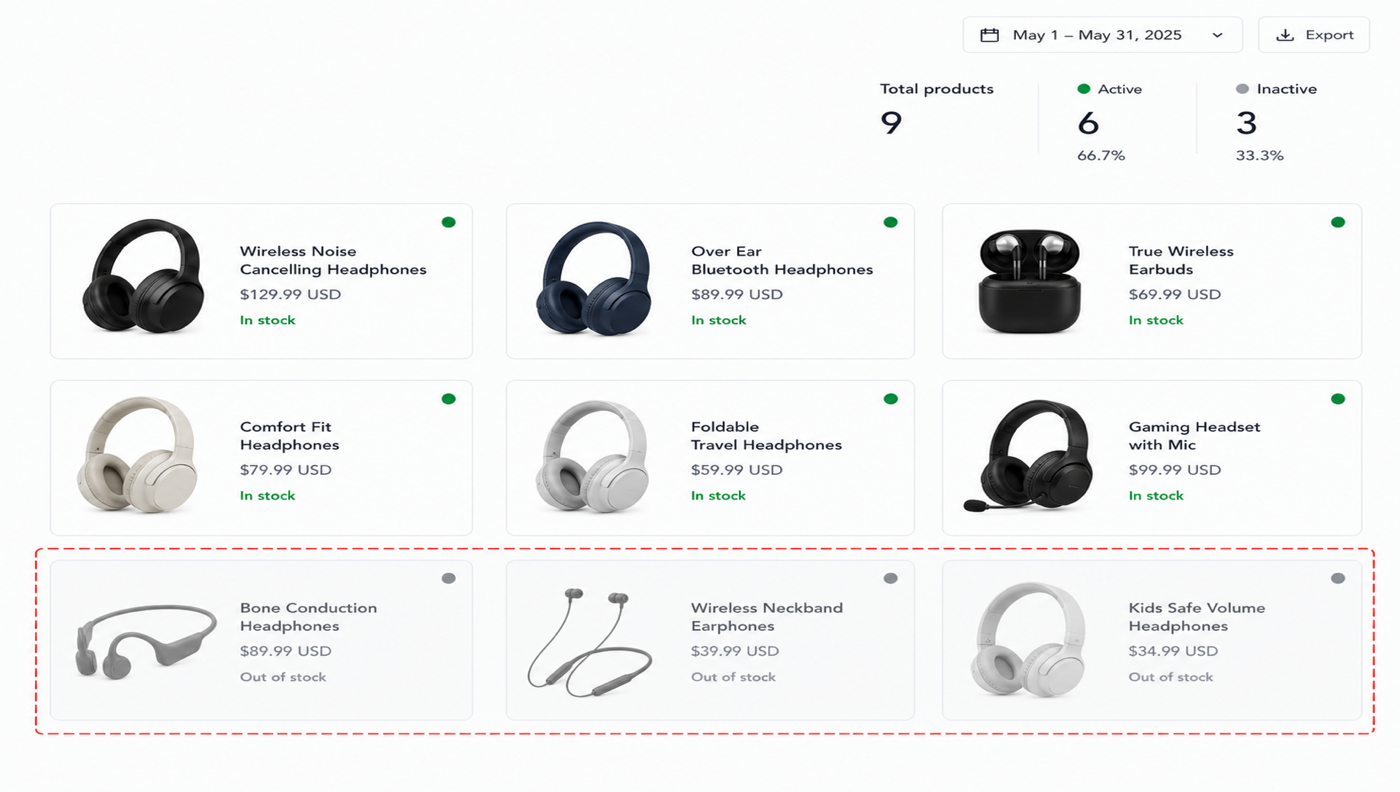
Our best products never show and we do not know why.
-
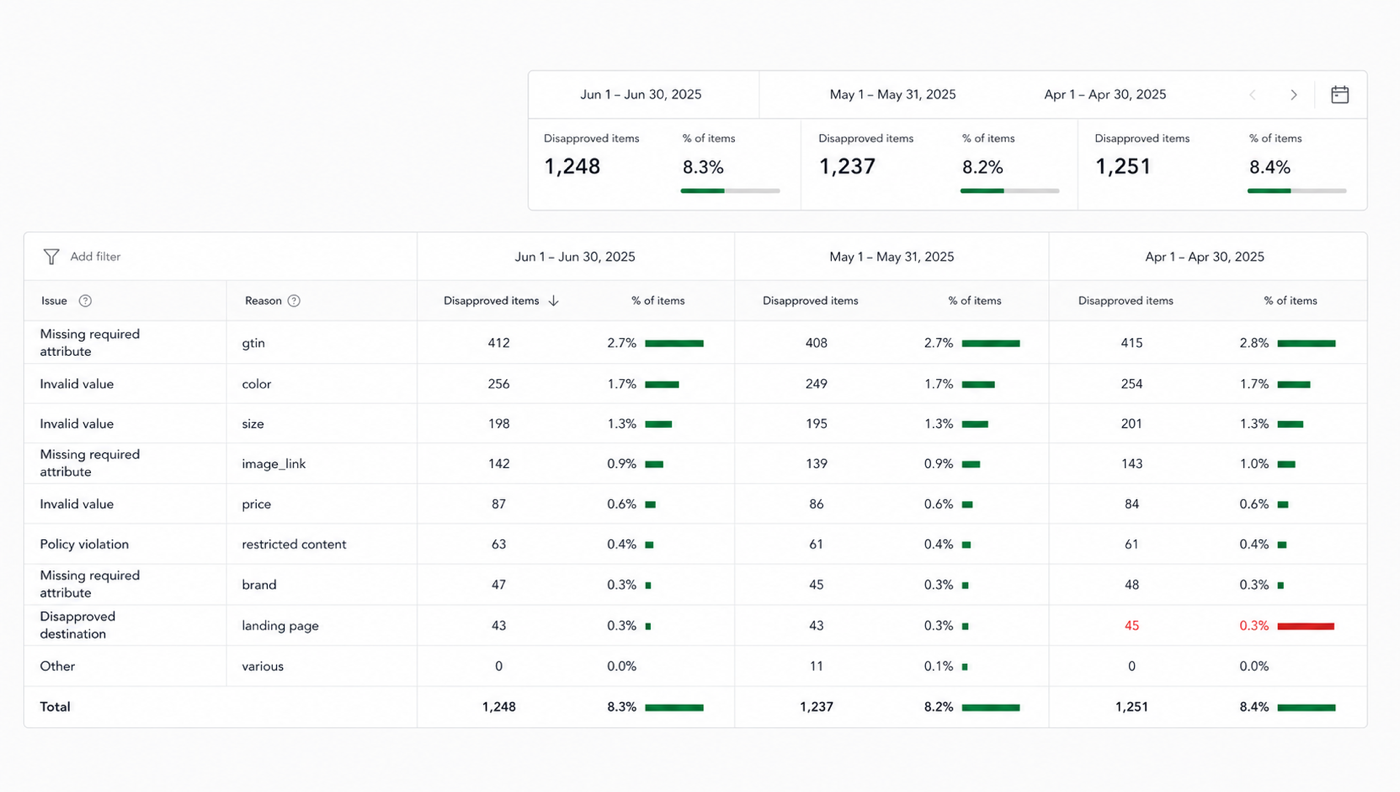
Merchant Center keeps flagging items and the fixes do not stick.
-
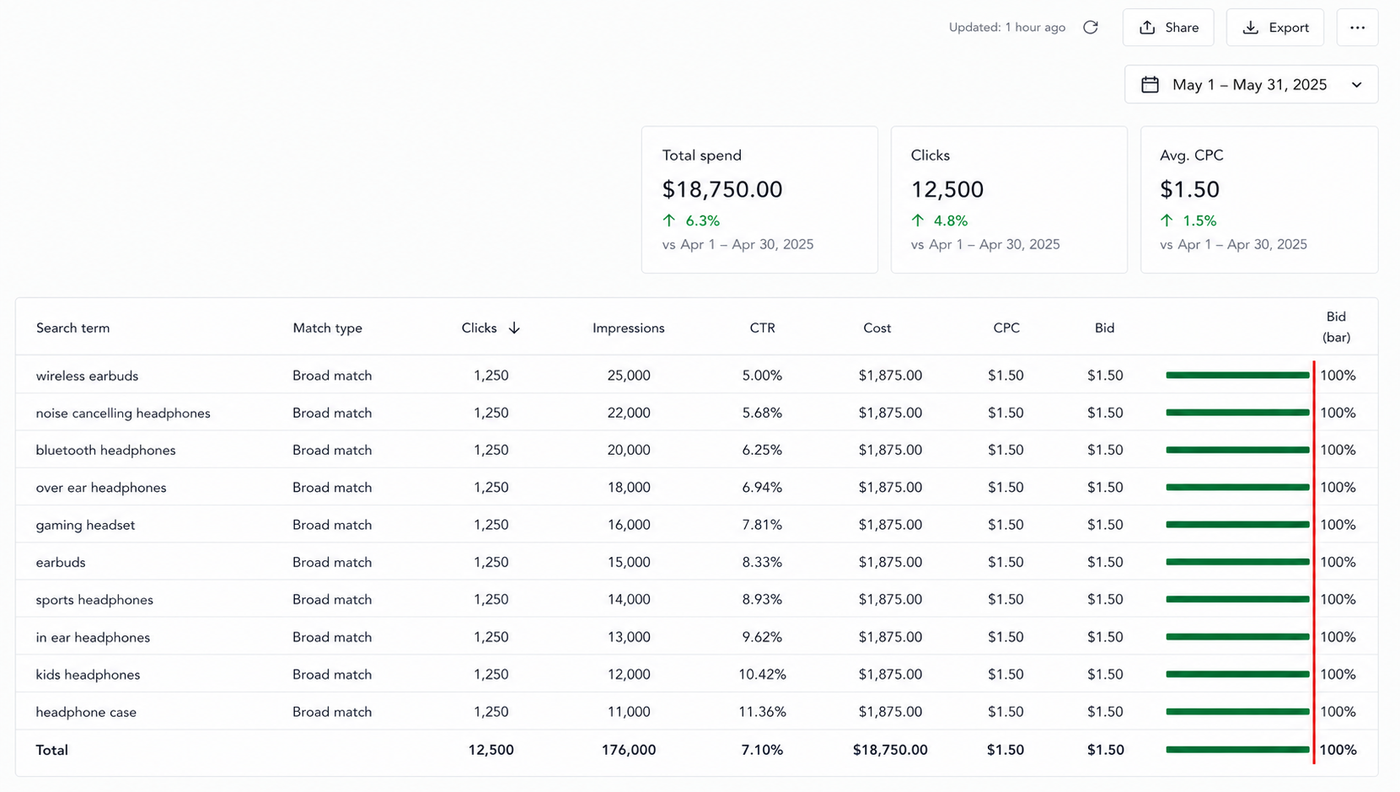
We are bidding the same on everything.
Three promises. Hold us to them.
- We write the feed titles and attributes that decide which searches you show for.
- We clear the Merchant Center errors keeping products out of the auction.
- We split brand from non brand, so you can see what you are really paying for.



A roadmap no prompt can write.
Ideation, strategy and the roadmap all happen in these six steps. This is the part no AI can replicate, and it is where the value of our work comes from.
-
Step 01
Onboarding
We take account access, note your margins, and agree on the one number the spend is judged on.
-
Step 02
The audit
We name every dollar of wasted spend in your account, verify that the conversions you are optimising toward are real, and check the page each ad points to.
-
Step 03
Brand DNA
Ads are the first sentence a stranger reads about you, so the voice is set before any headline is written.
-
Step 04
Market & Competitors
We read who is bidding on your terms, what they promise on the landing page, and where the price is set.
-
Step 05
Roadmap & Strategy
We fix wasted spend and tracking first, validate the campaign structure, then increase budget where performance meets the agreed targets.
-
Step 06
Execution
Search terms and negatives every week, one change at a time, reported against revenue rather than clicks.



Where do you need support?
Questions people ask about Google Shopping
How do you set up Shopping ads?
A Merchant Center feed with clean product data, campaigns structured around each product's margin and target return, and a landing page per product that loads fast. The feed determines which searches each product enters before the bid is set.
How much do Google Shopping ads cost?
The cost per click depends on your category and competitors, and the return depends on margin, so we set the target from your product data rather than from a benchmark. New accounts start with manual bidding until they have enough conversion data.
Why do the wrong products show for a search?
Because Shopping has no keywords; the feed titles and attributes decide which searches a product matches. Fixing titles, product types and negatives is most of the work of getting the right products in front of the right searches.
Should we use Performance Max or standard Shopping?
Standard Shopping gives control and clean data on a new account; Performance Max can scale once the feed and conversion signal are solid. Many accounts run both, with the split based on product margins and campaign performance.

Stop paying for the wrong searches.
Put the budget behind the ones that buy.
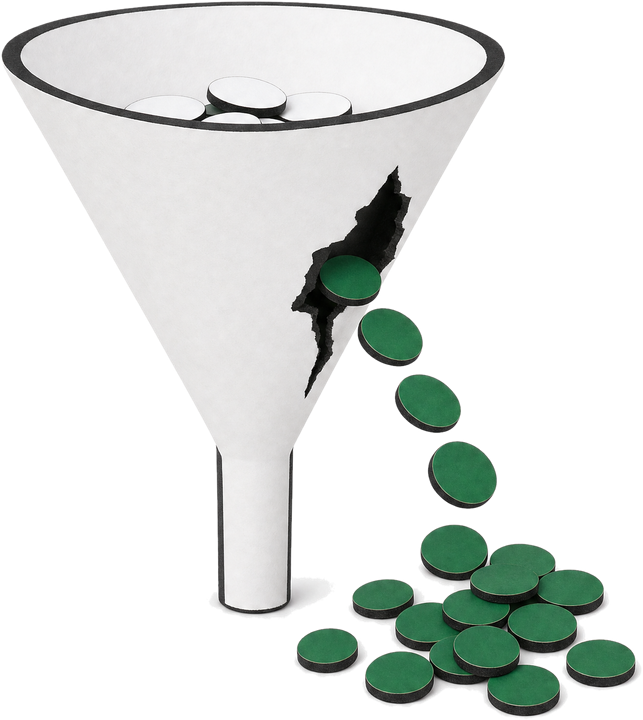
We start with a read of the account: the wasted spend named line by line, the conversion tracking verified, and the page the click lands on. You see the leak before anyone talks about scaling.