
SEO SKILL
Structured data (JSON-LD)


Add, fix or validate JSON-LD structured data: ten common types with their required properties, an @graph pattern, and the two validators to run before deploying.
No key, no account needed Claude Code
 Cursor
 CodexWindsurfany agent that reads SKILL.md
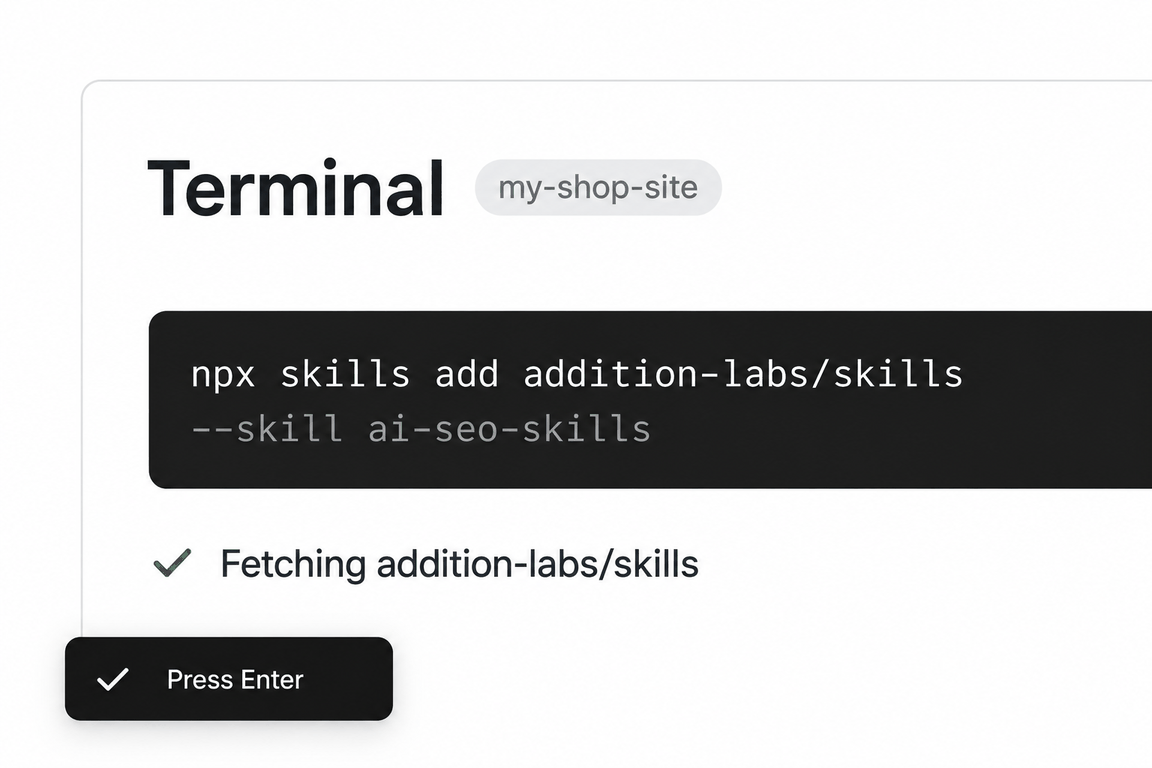
npx skills add addition-labs/skills --skill schemaRun this in a terminal inside your project folder. Claude Code, Cursor and Codex then read the skill from where it lands.
- Step 01Open a terminal in your project folder
- Step 02Paste the command and press Enter
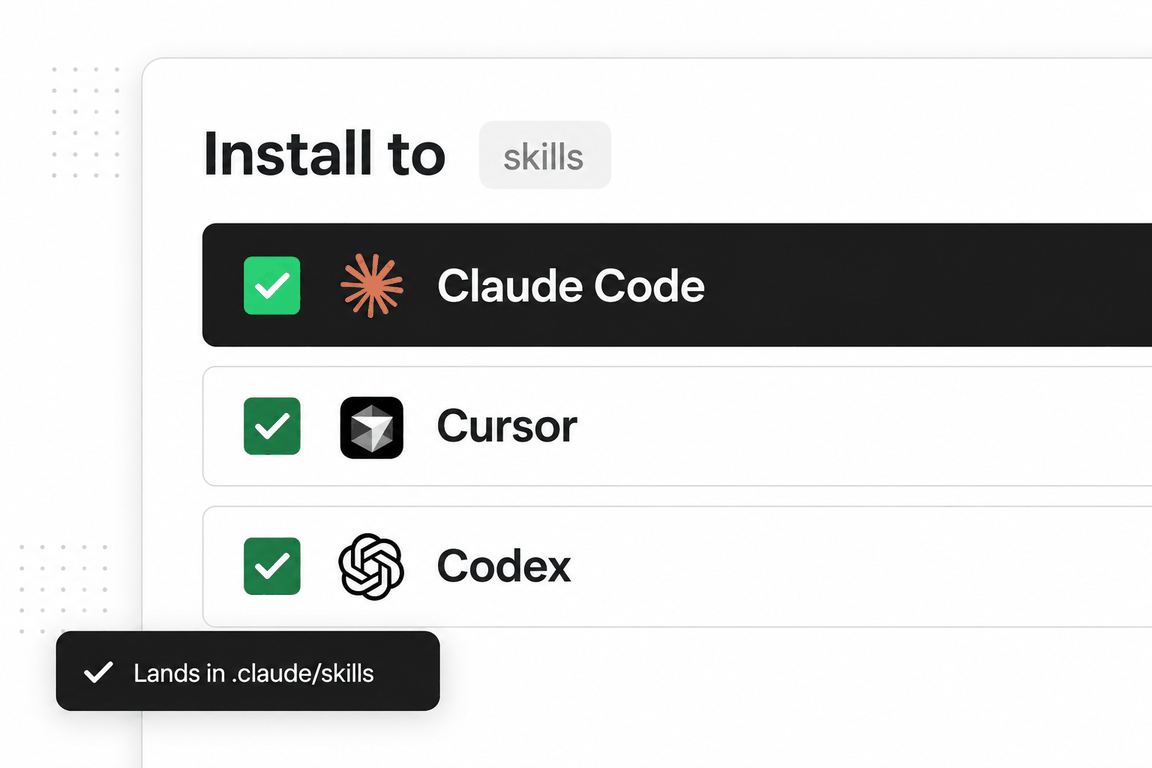
- Step 03Pick the agents to install to
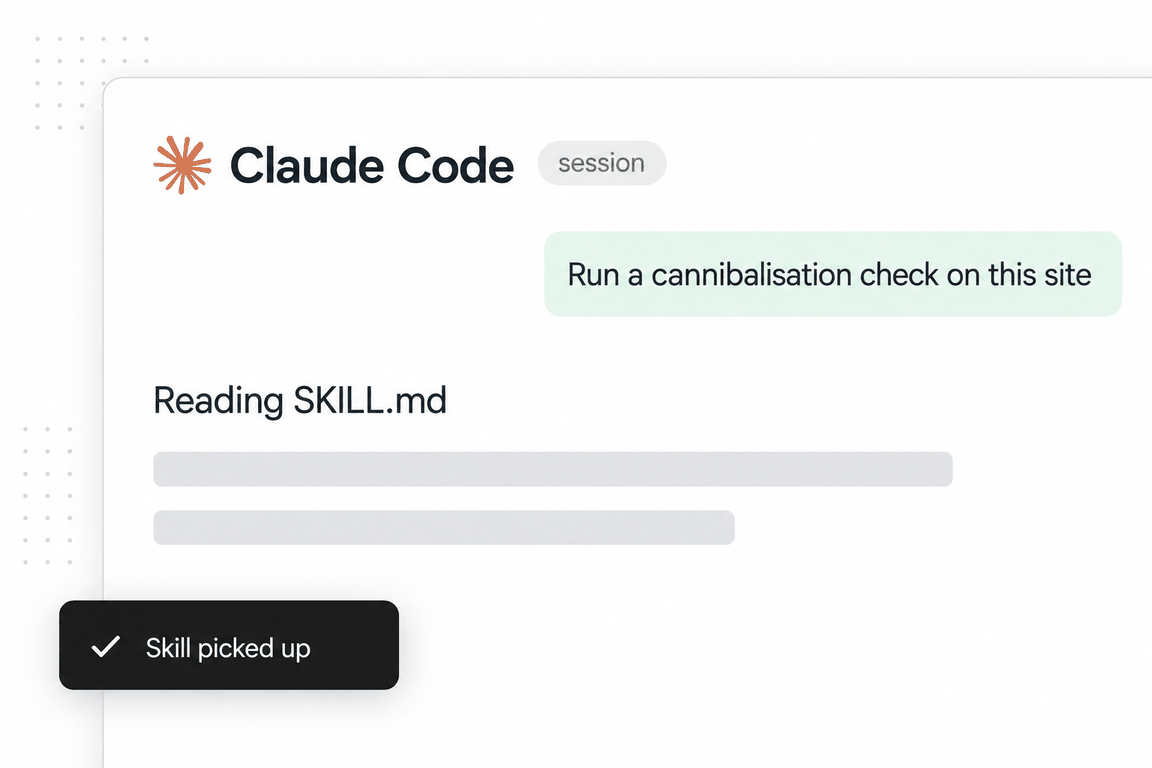
- Step 04Ask the agent for the job; it reads the skill
schemaaddition-labs/skillsMIT licencev2.0.0updated 2026-09-05
A short skill that does one thing well. It asks what kind of page you have and which rich result you want, then writes the JSON-LD, complete, and tells you to validate it in Google’s Rich Results Test and the schema.org validator.
The principles are the right ones: accuracy first, JSON-LD only, Google-supported types only, validate everything. It will not mark up content that is not on the page.
The 765 words are a reference table and a workflow; the complete examples live in `references/schema-examples.md`.
When to use it
The phrases that trigger it
Say any of these and an agent that has the skill installed will usually load it; you can also call it by name. The phrases are the skill’s own, from its description.
- schema markup
- structured data
- JSON-LD
- rich snippets
- FAQ schema
- product schema
- breadcrumb schema
- star ratings in search
What’s inside
The playbook, section by section
Ten types with required properties
Organization, WebSite, Article, Product, SoftwareApplication, FAQPage, HowTo, BreadcrumbList, LocalBusiness, Event.
Combining types with @graph
One script block carrying Organization, WebSite and BreadcrumbList together.
Implementation by stack
Static templates, React or Next.js components rendered server-side, and CMS plugins.
A testing checklist
Validates, no errors or warnings, matches page content, all required properties present.
Reference files the agent loads on demand
One file in the skill folder, read only when an instruction calls for it.
schema-examples.md- Complete JSON-LD for Organization, WebSite, Article, Product, SoftwareApplication, FAQPage, HowTo, BreadcrumbList, LocalBusiness and Event.
See it in action
One real run, in full
The request on the left went to the skill as installed. On the right is everything it returned, unedited; scroll inside the box to read it all.
Fetch https://addition-labs.com/resources/guides/seo-audit and write the JSON-LD this page should carry. It is a long-form guide with an author, a dated update line and a FAQ section near the end. Tell us which rich results it is actually eligible for and which it is not.
Schema markup: /resources/guides/seo-audit
Page fetched 11 September 2026 (HTTP 200, 48,572 bytes, canonical self-referencing). Everything below is read from the served HTML, not assumed.
Initial assessment
Page type. Long-form guide. Visible H1 How to run an ecommerce SEO audit; <title> differs (Ecommerce SEO Audit: The One Part With a Published Pass Mark | Addition). Byline line reads By the Addition team · Updated 7 September 2026 · 12 min read. No named person is credited, and no first-published date is shown anywhere on the page. Five <details> Q/As sit under the H2 Questions people ask (#faq). Eight <img> elements in the body, all with alt text except the small icon; two of them are 1720x986 and 2519x1623 (the rest carry no width/height attributes). <html lang="en">.
Current state. The page already ships one application/ld+json block, an @graph of three nodes:
| Existing node | What it says | Problems found |
|---|---|---|
Article | headline = H1, description = meta description, author + publisher = Organization "Addition", datePublished 2026-07-06, dateModified 2026-09-07, mainEntityOfPage | No image. Publisher has no logo. datePublished 2026-07-06 is not visible on the page (only the update line is), so it cannot be verified from the page. No link to the site's Organization @id that the homepage already declares. |
BreadcrumbList | Home > Resources > Guides > this page (all four URLs return 200) | The server HTML has no visible breadcrumb trail. <header id="site-nav"> is empty and filled by JavaScript, and the only <nav> is the on-page table of contents. Google's structured data policy says not to mark up content that is not visible to readers, so this node is only safe if the rendered header actually shows the trail. |
FAQPage | Five Question/Answer pairs, text matches the visible <details> word for word | Accurate, but it no longer earns a rich result (see eligibility). |
Homepage JSON-LD already declares Organization at https://addition-labs.com/#organization (logo https://addition-labs.com/logo/addition-mark-white.png, resolves 200) and WebSite at https://addition-labs.com/#website. The guide should reference those @ids rather than redeclare a loose Organization.
Goal. Article rich result on desktop and mobile, breadcrumb on desktop, and no markup that claims a rich result Google has stopped serving.
Rich result eligibility (checked against Google's own documentation on 11 September 2026)
| Rich result | Eligible? | Why |
|---|---|---|
| Article (headline, larger image, date in results; Top Stories only if Google treats the site as a news source) | Yes, once image is added. | Google's Article documentation lists no required properties but recommends headline, image, author, datePublished, dateModified. The current block has no image, so Google has nothing to show. Images must be crawlable and represent the article, not a logo; the two in-body proof screenshots qualify (1720x986 and 2519x1623, both served 200, robots.txt allows everything). |
| Breadcrumb | Yes, desktop only, and only if the trail is visible. | Google's breadcrumb documentation: available on desktop only (changelog 22 January 2025). The structured data policy forbids marking up content not visible to readers. Confirm the JS-rendered header shows Home > Resources > Guides on this page; if it does not, either render a visible trail or drop the node. |
| FAQ | No. | Google's changelog, 8 May 2026: the FAQ rich result stopped appearing in Google Search on 7 May 2026, for every site. Documentation removed 12 June 2026. The URL for the FAQ docs now redirects to developers.google.com/search/updates#removing-faq-rich-result. Keeping FAQPage is harmless and still describes the section accurately, but it produces no rich result and should not be reported as one. |
| How-to | No. | Despite the "How to run" title, the How-to rich result was deprecated in September 2023 and its documentation removed (.../structured-data/how-to redirects to the deprecation entry). Do not add HowTo. |
| Review snippet, Product, Video, Speakable, Sitelinks search box | No. | Nothing on the page supports them. No ratings, no product, no video, no site search. |
Author markup: the page credits "the Addition team", so author stays an Organization. Do not invent a Person. If a named author is added to the page later, switch to Person with a profile URL.
Schema implementation
Replace the existing <script type="application/ld+json"> with this block. Every value below is taken from the page as served; the two items marked TODO need a decision from you.
<script type="application/ld+json">
{
  "@context": "https://schema.org",
  "@graph": [
    {
      "@type": "Organization",
      "@id": "https://addition-labs.com/#organization",
      "name": "Addition",
      "url": "https://addition-labs.com/",
      "logo": {
        "@type": "ImageObject",
        "url": "https://addition-labs.com/logo/addition-mark-white.png"
      }
    },
    {
      "@type": "WebSite",
      "@id": "https://addition-labs.com/#website",
      "name": "Addition",
      "url": "https://addition-labs.com/",
      "publisher": { "@id": "https://addition-labs.com/#organization" },
      "inLanguage": "en"
    },
    {
      "@type": "WebPage",
      "@id": "https://addition-labs.com/resources/guides/seo-audit",
      "url": "https://addition-labs.com/resources/guides/seo-audit",
      "name": "Ecommerce SEO Audit: The One Part With a Published Pass Mark | Addition",
      "description": "Most audit checklists mix one thing Google publishes a threshold for with fifty things it does not. Here is the difference, and the ecommerce-only section that generic audits leave out entirely.",
      "isPartOf": { "@id": "https://addition-labs.com/#website" },
      "inLanguage": "en",
      "primaryImageOfPage": { "@id": "https://addition-labs.com/resources/guides/seo-audit#primaryimage" },
      "breadcrumb": { "@id": "https://addition-labs.com/resources/guides/seo-audit#breadcrumb" }
    },
    {
      "@type": "ImageObject",
      "@id": "https://addition-labs.com/resources/guides/seo-audit#primaryimage",
      "url": "https://addition-labs.com/img/proof/psi-failed-assessment.png",
      "contentUrl": "https://addition-labs.com/img/proof/psi-failed-assessment.png",
      "width": 1720,
      "height": 986,
      "caption": "A PageSpeed Insights report showing a failed Core Web Vitals assessment, with LCP red and INP and CLS green"
    },
    {
      "@type": "Article",
      "@id": "https://addition-labs.com/resources/guides/seo-audit#article",
      "headline": "How to run an ecommerce SEO audit",
      "description": "Most audit checklists mix one thing Google publishes a threshold for with fifty things it does not. Here is the difference, and the ecommerce-only section that generic audits leave out entirely.",
      "image": [
        "https://addition-labs.com/img/proof/psi-failed-assessment.png",
        "https://addition-labs.com/img/proof/gsc-catalogue-flat-clicks.png"
      ],
      "datePublished": "2026-07-06",
      "dateModified": "2026-09-07",
      "author": {
        "@type": "Organization",
        "@id": "https://addition-labs.com/#organization",
        "name": "Addition",
        "url": "https://addition-labs.com/"
      },
      "publisher": { "@id": "https://addition-labs.com/#organization" },
      "mainEntityOfPage": { "@id": "https://addition-labs.com/resources/guides/seo-audit" },
      "isPartOf": { "@id": "https://addition-labs.com/resources/guides/seo-audit" },
      "inLanguage": "en",
      "articleSection": "Guides"
    },
    {
      "@type": "BreadcrumbList",
      "@id": "https://addition-labs.com/resources/guides/seo-audit#breadcrumb",
      "itemListElement": [
        { "@type": "ListItem", "position": 1, "name": "Home", "item": "https://addition-labs.com/" },
        { "@type": "ListItem", "position": 2, "name": "Resources", "item": "https://addition-labs.com/resources" },
        { "@type": "ListItem", "position": 3, "name": "Guides", "item": "https://addition-labs.com/resources/guides" },
        { "@type": "ListItem", "position": 4, "name": "How to run an ecommerce SEO audit" }
      ]
    },
    {
      "@type": "FAQPage",
      "@id": "https://addition-labs.com/resources/guides/seo-audit#faq",
      "mainEntity": [
        {
          "@type": "Question",
          "name": "Can I do my own SEO audit?",
          "acceptedAnswer": {
            "@type": "Answer",
            "text": "Yes for the parts with published thresholds, and it is worth doing. Core Web Vitals is the one group with a pass mark somebody else set. Two more checks need no judgement either, because each answer is a count you compare against your own intention. Core Web Vitals in field data. An indexed-pages count against what you meant to index. And a read of your robots.txt. The judgement layer is harder. Which filter combinations deserve to exist. Which category pages compete with each other. And which of the hundred remaining checklist items matter for your particular catalogue. That is experience, not tooling, and no crawler outputs it."
          }
        },
        {
          "@type": "Question",
          "name": "Can ChatGPT do an SEO audit?",
          "acceptedAnswer": {
            "@type": "Answer",
            "text": "It can read a page you paste in and tell you sensible things about it. It cannot crawl your site, see your field performance data, or know which category pages cannibalise each other. All three need access to data it does not have. So it is useful for the per-page layer and not for the site layer. Anyone selling you an AI-generated site audit is selling you a checklist with your domain name typed into it."
          }
        },
        {
          "@type": "Question",
          "name": "How much does an SEO audit cost?",
          "acceptedAnswer": {
            "@type": "Answer",
            "text": "No published survey prices audits specifically. The nearest published figure is Ahrefs' survey of 439 providers, which puts ongoing SEO at a $2,917 average monthly retainer and $111 an hour. What can be said is what moves the number. Catalogue size dominates. Whether implementation is included roughly separates a document from a fixed site. And whether anything is measured afterwards decides if you can ever tell it worked. Ask those three questions before asking the price and the quotes become comparable."
          }
        },
        {
          "@type": "Question",
          "name": "What are SEO audits?",
          "acceptedAnswer": {
            "@type": "Answer",
            "text": "A structured check of whether search engines can crawl your site, index the pages you want indexed, and rank them for the terms that matter. For an ecommerce store the specific weight falls on product pages, category pages and the filter combinations they generate. The useful ones sort their findings into three. Those with a published threshold, which is essentially Core Web Vitals. Those where Google documents the mechanism but never states a number, which is where crawling, canonicals and faceted navigation sit; and the ones that are convention. The order of work follows from that separation."
          }
        },
        {
          "@type": "Question",
          "name": "What does faceted navigation mean?",
          "acceptedAnswer": {
            "@type": "Answer",
            "text": "The filter sidebar on a category page: size, colour, price, brand. Each selection typically produces a new URL, and combinations multiply, so three groups of three options can generate 27 addresses from a single category. Google documents the problem this creates. Crawlers cannot tell a useful new URL from a useless one without fetching it, so time spent on filter combinations is time not spent discovering your new products."
          }
        }
      ]
    }
  ]
}
</script>
What changed versus the block on the page today
Article.imageadded: two crawlable in-body screenshots, both wider than 1200px, both with descriptive alt text on the page. The site-wideog-image.png(1200x630) was deliberately not used because I did not inspect what it depicts and Google asks for an image that represents the article rather than a logo.OrganizationandWebSitenodes carry the same@ids the homepage already uses, so publisher, author and logo resolve on this page without a second, conflicting Organization.WebPageandImageObjectnodes added so the Article has an explicitisPartOf,primaryImageOfPageandbreadcrumbrelationship. Optional, but it is what the Rich Results Test and most graph-aware consumers read cleanly.- Last breadcrumb item no longer repeats its own URL (Google's example omits
itemon the current page; either form validates). articleSection: "Guides"mirrors the visibleGuidelabel above the H1.- FAQ answer text kept verbatim, paragraph breaks collapsed to a space. If you prefer,
Answer.textmay carry<p>tags; both validate.
TODO: two values you need to confirm
datePublished: 2026-07-06is carried over from the existing markup. The page shows onlyUpdated 7 September 2026. If 6 July 2026 is the real first-publish date in your CMS, keep it. If it is not, removedatePublishedrather than guess; a wrong date is worse than none. Google also recommends a time and timezone (2026-07-06T09:00:00+00:00) if you have one.- Visible breadcrumb. Open the page in a browser and check the JS-rendered header. If it shows Home > Resources > Guides, the
BreadcrumbListnode is fine. If it does not, either add a visible trail (a small<nav aria-label="Breadcrumb">above the H1 is enough) or delete the node and theWebPage.breadcrumbreference.
Implementation note
The served HTML is a static build (hashed /assets/*.js bundles, JSON-LD inlined server-side in <head>), so the block above drops in as a template partial for the guide layout; no client-side rendering is needed, and the FAQ answers should be pulled from the same source that renders the <details> elements so the two cannot drift.
Testing checklist
- [ ] Validates in Rich Results Test (
https://search.google.com/test/rich-results): expect Article and Breadcrumbs detected; FAQ will be listed as a detected type but is not a served rich result. - [ ] Schema.org validator (
https://validator.schema.org/) reports no errors. - [ ] Matches page content: headline = H1,
dateModified=Updated 7 September 2026, five FAQ pairs = five<details>. - [ ] Both
imageURLs return 200 and are not blocked in robots.txt (checked: 200, robots.txt isAllow: /). - [ ]
datePublishedconfirmed or removed (see TODO). - [ ] Breadcrumb trail visible in the rendered header (see TODO).
- [ ] After deploy: Search Console > Enhancements shows Article and Breadcrumbs with no errors; do not expect an FAQ enhancement report.
What this run could not do
It could not verify a first-publish date (the page shows only an update line, so the existing date is carried over and flagged), a named author (the page credits the team, so Organization is kept), whether the JavaScript-rendered header shows a breadcrumb trail (the server HTML has none), or the tech stack beyond what the build artefacts imply.
Method behind it
Where we would differ, and why
Our audit guide has a structured-data section that shows what a Product and an Article block look like in Search Console’s enhancement reports once they are live. The skill writes the block; the guide shows you where to watch it land.
The skill lists FAQPage as a rich-result type with no caveat. Google limited FAQ rich results to government and health sites in August 2023 and, per its Search changelog, stopped showing them for all sites on 7 May 2026 and removed the documentation on 12 June 2026. On a store the block is entity clarity, not a visible result.
HowTo rich results were retired by Google in September 2023; keep HowTo markup for AI extraction if you like, but do not expect a result.
It lists headline, image, datePublished and author as required for Article. Google’s Article documentation has no required properties, only recommended ones. The markup is still worth writing; the word required is the skill’s, not Google’s.

SKILL.md
The file the agent reads
Written by Corey Haines and published under the MIT licence. Read the full file (765 words) on GitHub, at the commit we reviewed: coreyhaines31/marketingskills/skills/schema/SKILL.md. The reference files are in the same folder.
Questions
Questions people ask before installing
Will this get me star ratings in search?
Only if the page has genuine reviews and the Product or Review markup matches them. The skill refuses to mark up what is not on the page, which is the right refusal.
Does it work with Shopify?
Shopify themes already emit Product JSON-LD. Use the skill to check what the theme emits against Google’s required and recommended properties, then patch the theme, not add a second block.
Can I ask it to validate existing markup?
Yes. Paste the page’s JSON-LD and ask; it checks required properties, value formats (ISO 8601 dates, fully qualified URLs) and content mismatch.