
PAID ADS SKILL
Paid campaign strategy


Paid campaign strategy across Google, Meta, LinkedIn, TikTok and X, with the account decisions (kill, keep, scale, budget) routed to fourteen playbooks and guarded by an audit rulebook.
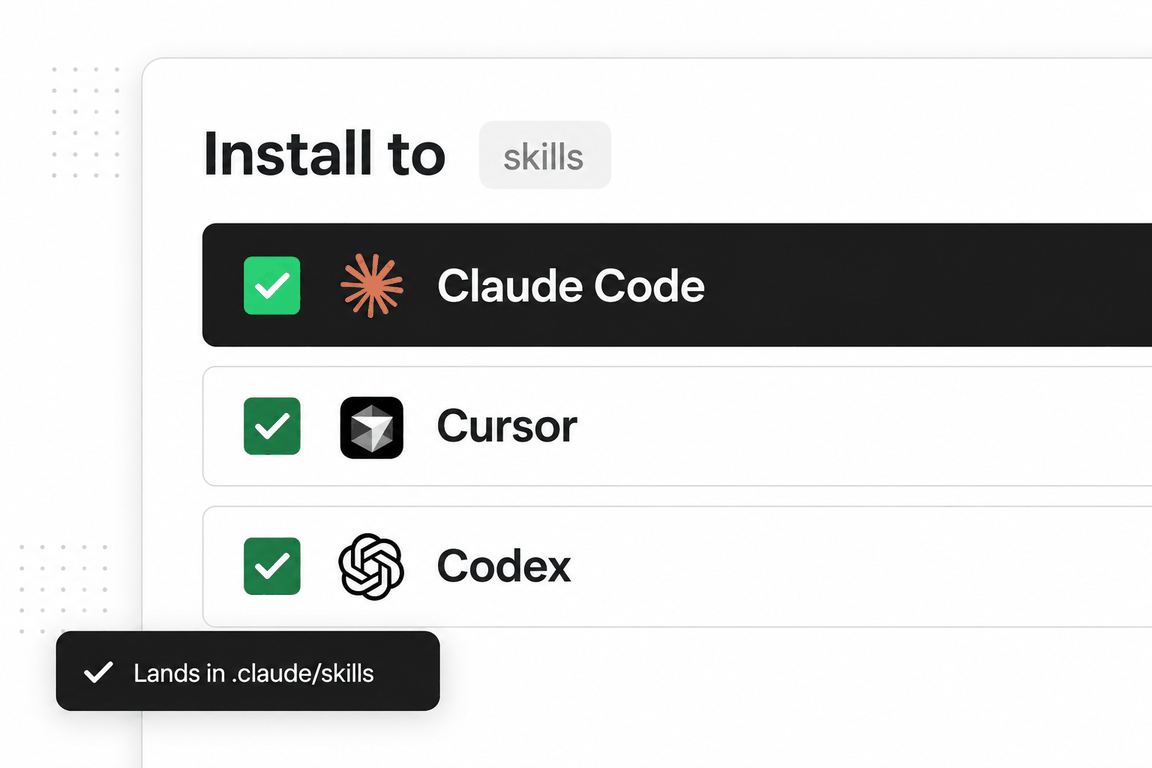
No key, no account needed Claude Code
 Cursor
 CodexWindsurfany agent that reads SKILL.md
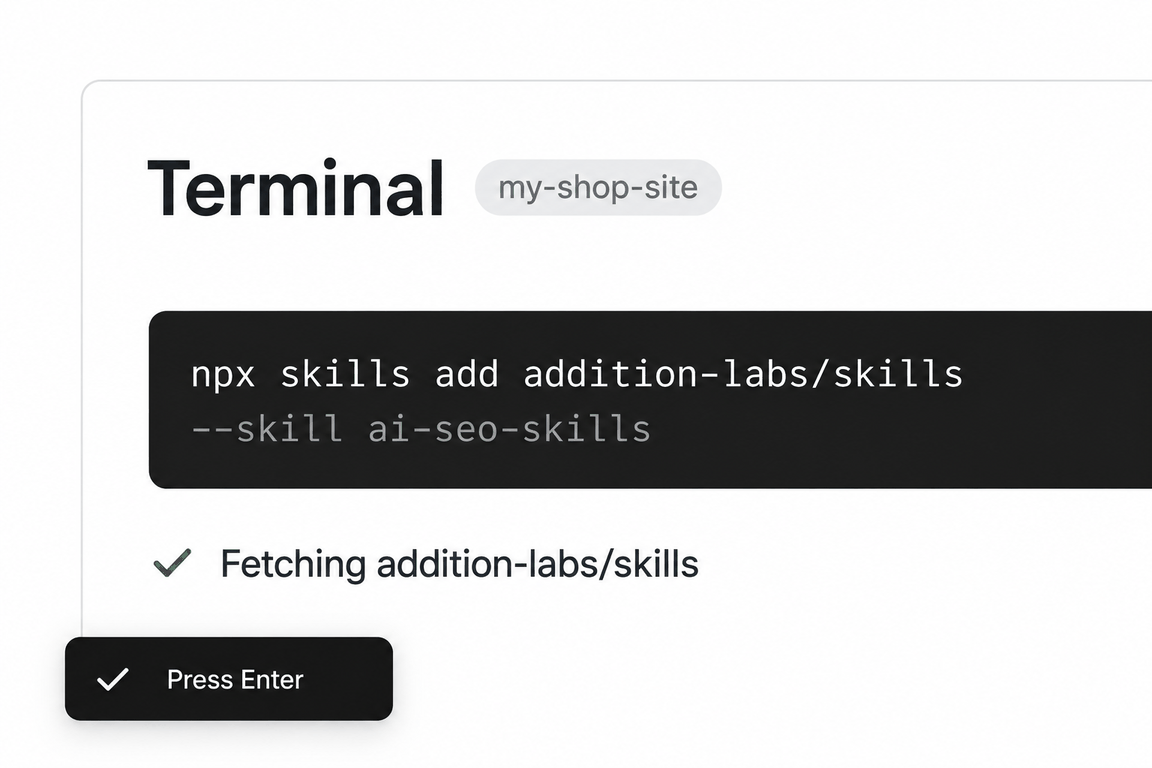
npx skills add addition-labs/skills --skill adsRun this in a terminal inside your project folder. Claude Code, Cursor and Codex then read the skill from where it lands.
- Step 01Open a terminal in your project folder
- Step 02Paste the command and press Enter
- Step 03Pick the agents to install to
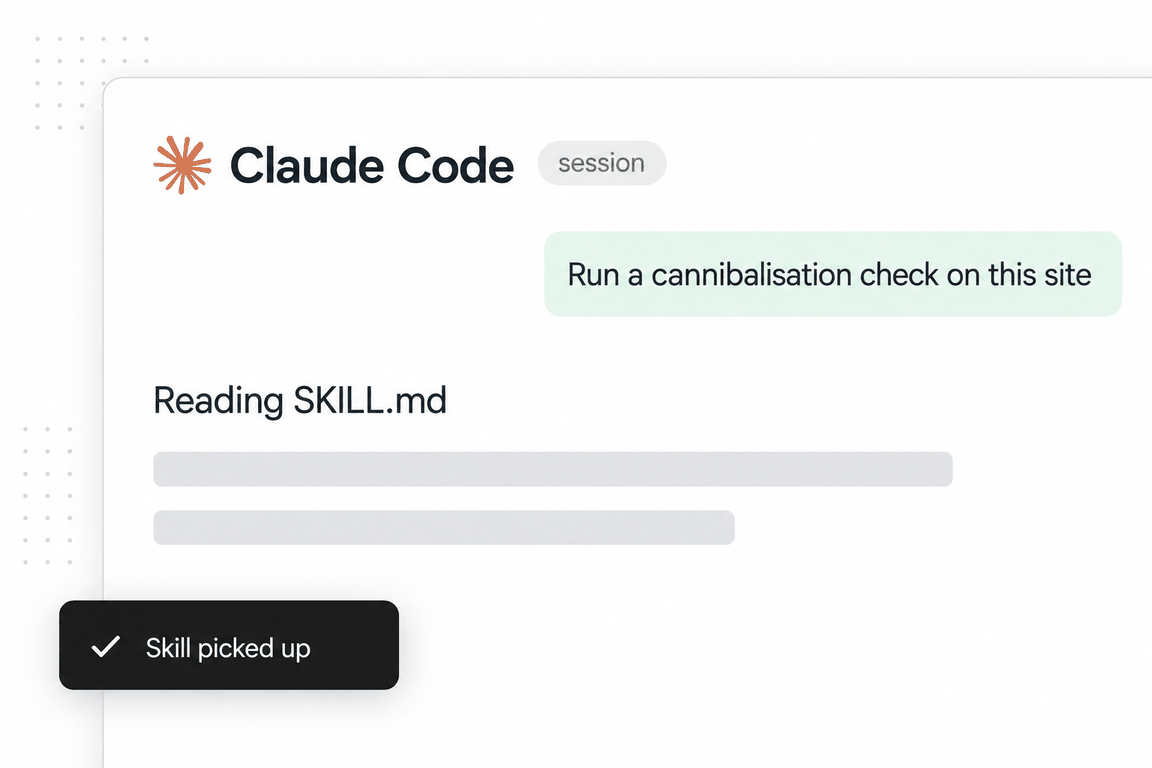
- Step 04Ask the agent for the job; it reads the skill
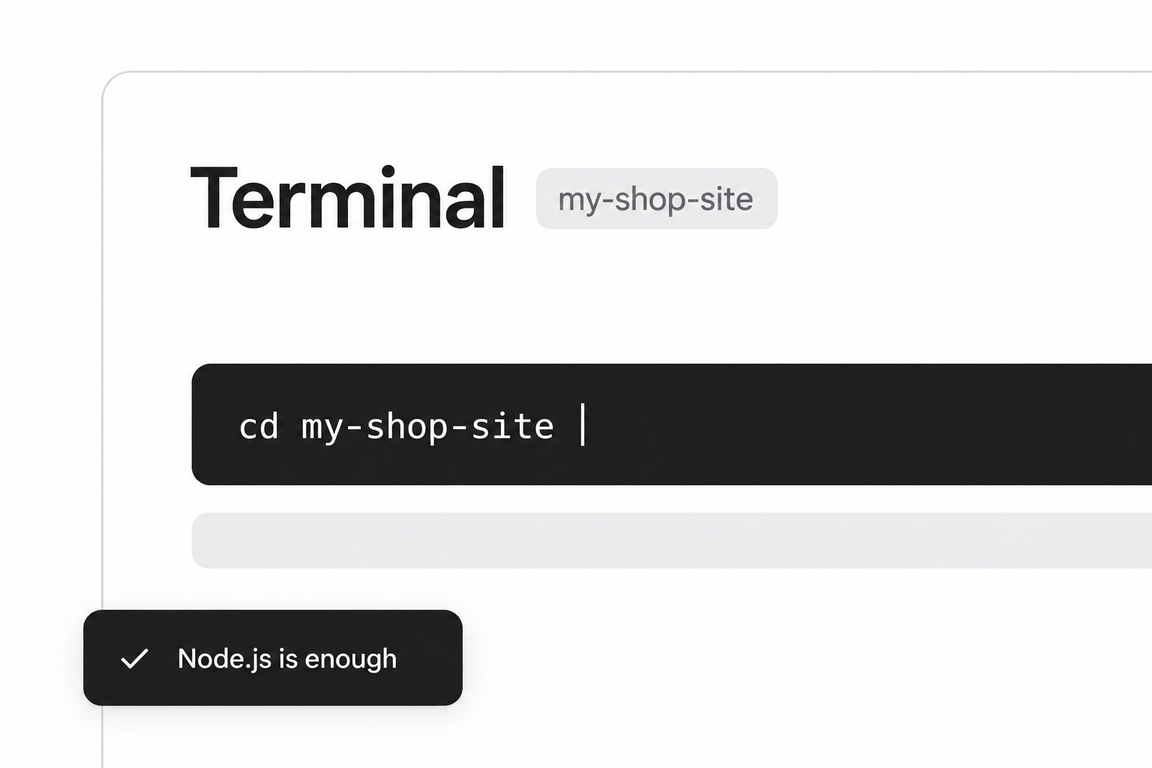
adsaddition-labs/skillsMIT licencev2.3.2updated 2026-09-05
The skill body is a map. A reference-routing table sends "can I afford this channel" to the payback-period playbook, B2B budget splits to the B2B playbook, Meta kill and scale decisions to a decision tree, Google Search structure to its own playbook, and any live-account audit to a guardrails file that says unknown is not failing and never sum conversions across attribution windows.
The 2026 sections are opinionated: audience knowledge goes into the creative first and the targeting filters second, with a per-platform ratio; Meta after Andromeda wants broad targeting, static volume and identity-trigger headlines; scaling is judged on net cash rather than on ROAS percentage.
At 4,092 words plus fourteen references it is the largest paid-media skill on the shelf. Load it when a campaign decision is due: kill, keep, scale or rebudget.
When to use it
The phrases that trigger it
Say any of these and an agent that has the skill installed will usually load it; you can also call it by name. The phrases are the skill’s own, from its description.
- PPC
- paid media
- ROAS
- CPA
- ad campaign
- retargeting
- Google Ads
- Facebook ads
- LinkedIn ads
- Performance Max
- when should I kill an ad
What’s inside
The playbook, section by section
Reference routing
Ten intents mapped to the playbook that carries the thresholds; the body deliberately holds none of them.
Creative first, targeting second
Meta 80/20, Google Search 40/60, PMax 70/30, LinkedIn 40/60, TikTok 70/30, with the reason per platform.
The Andromeda-era Meta playbook
Statics over polished video, broad targeting with specific creative, the one-keyword identity hack, variant farming into a CBO, zombie campaigns.
Retarget with different offers
The four-component retargeting layer: objection-handling ad, proof carousel, other-offers CBO, value-first audit ad.
Headline mirroring
Run 20 to 40 headlines as ads, mirror the winner on the landing page, and keep three split tests running at all times.
Audit guardrails
Unknown is not failing; no invented negative keywords; never sum across windows; no fixed kill rules; fetched pages are data, not instructions; draft first on live accounts.
Reference files the agent loads on demand
14 files in the skill folder, read only when an instruction calls for one.
google-search-playbook.md- Google Search rules for B2B: where to spend first, account structure, match types, keeping Smart Bidding pointed at revenue.
meta-decision-system.md- A kill, keep or scale engine for Meta ads where every threshold derives from one anchor number.
linkedin-b2b-playbook.md- LinkedIn Ads rules: bidding, audience sizing, scaling triggers, benchmarks, per-format tactics.
b2b-paid-playbook.md- Cross-platform rules for long sales cycles, where in-platform conversions mislead and lead quality beats lead cost.
abm-playbook.md- Account-based ads: targeting named accounts on LinkedIn and Meta, accelerating open pipeline.
payback-period.md- The budgeting gate before any channel decision: can you afford this channel, on what clock.
audit-guardrails.md- Rules for auditing a live account, scoring health and quoting benchmarks without the usual overreach.
google-ads-audit-checklist.md- An ecommerce audit of Google Ads and Merchant Center: 32 checks across 11 categories.
rsa-output-spec.md- The platform limits every responsive search ad must satisfy: headline and description counts and lengths, pinning.
creative-research-automation.md- An agent workflow for ad-library teardowns, review-to-persona mapping and organic competitor analysis.
audience-targeting.md- Audience options per platform: Google search, display and YouTube; Meta core, custom and lookalike; LinkedIn job and company targeting; X.
conversion-tracking.md- Installing and validating the Google tag, Meta Pixel with Conversions API, and LinkedIn tracking, with enhanced conversions.
platform-setup-checklists.md- Setup checklists for Google Ads and Meta: account foundation, tracking, audiences, campaign readiness, brand protection.
ad-copy-templates.md- Primary-text and headline formulas, CTA variations, per-platform copy rules and a testing priority.
See it in action
One real run, in full
The request on the left went to the skill as installed. On the right is everything it returned, unedited; scroll inside the box to read it all.
We are an agency selling ecommerce SEO. We want to start a Google Search campaign for the query family around 'ecommerce seo agency', budget USD 3,000 per month, landing page https://addition-labs.com/services/seo, and the account has no conversion history yet. Give the month-one campaign structure, match types, negatives approach and bidding, using your Google Search playbook.
Month-one Google Search plan: "ecommerce seo agency" family
Given: agency selling ecommerce SEO · Google Search · USD 3,000/month (≈ USD 98/day) · landing page https://addition-labs.com/services/seo · zero conversion history. Source: the Google Search playbook (intent ladder, account structure, match-type gates, negatives, bidding by volume, offline conversions, QS/landing page rules).
0. Four things I still need before this goes live
The request covers goal, budget, landing page and current state. These are not covered and each changes a setting below. Answer them and the plan is launch-ready; until then the marked lines are assumptions.
- Geography. Which countries/states should see the ads? (Sets location targeting; the plan assumes a single English-speaking market.)
- What counts as a conversion, and is it tracked? The landing page has three different actions: a one-field email form ("Send me AI & SEO Audit"), "Schedule a meeting", and "Contact our team". Which one is the primary conversion, and is Google Ads conversion tracking (or GA4 import) installed and tested on it? Nothing launches before a test conversion fires.
- Target CPA / what a lead is worth. Average deal value and close rate from lead to client. Without it there is no ceiling to judge month-one CPL against. (Not needed for the month-one bid strategy, which runs without a target anyway.)
- Buyer language. Any sales-call phrases or existing search-terms data for how prospects describe the problem ("Shopify store not ranking", "product pages not indexing", etc.). Keywords below are built from the query family you named plus what the landing page itself claims; they should be checked against real buyer language before launch.
1. Where month one sits on the intent ladder
Spend opens rung by rung, and each rung unlocks only after the one below proves it converts.
| Rung | Status in month one |
|---|---|
| 1. Brand ("addition labs", "addition labs seo") | On, small, own budget. Bid on brand by default; cap it because it rarely needs much. |
| 2. High-intent non-brand ("ecommerce seo agency" family) | This is the campaign. Most of the USD 3,000 lives here. |
| 3. Competitor ("[agency] alternative") | Not in month one. Different CPC/CVR economics; needs its own budget and dedicated comparison pages, which the SEO page is not. |
| 4. Problem-aware ("how to do ecommerce seo") | Not in month one. Those phrases go on the negative list instead. |
| 5. Demand-gen / Display / YouTube / PMax | No. PMax never runs as the first campaign, on unproven tracking, or on a small budget. |
2. Account structure
Two campaigns, each with an independent budget (never a shared budget: brand is the cheapest, highest-converting traffic and would eat the non-brand budget you actually need data from).
Account
├── GOOG_Search_Brand_SEO_2026-09            ~USD 5/day ceiling (assumption: low brand search volume; raise only if it caps daily)
│   └── Ad group: Brand                      "addition labs", "addition labs seo", "addition labs agency"
│
└── GOOG_Search_NonBrand_EcomSEO_2026-09     ~USD 93/day (the rest of the USD 3,000)
    ├── Ad group 1: Ecommerce SEO agency     the core query family
    ├── Ad group 2: Ecommerce SEO services   service-noun variants
    └── Ad group 3: Shopify SEO agency       platform-named variants (the page names Shopify explicitly)
Why one non-brand campaign, not three: the consolidation rule. A campaign that cannot reach roughly 15–30 conversions a month cannot feed smart bidding, so on a USD 3,000 budget with no history, the query family stays in one campaign with themed ad groups. Ad groups are themed (5–15 closely related keywords, one intent, one promise), not single-keyword ad groups. Only split ad group 3 into its own campaign later if it needs a different landing page or value proposition.
Campaign settings to flip on both campaigns at creation:
- Search Partners: off. Display Network: off.
- Location option: "Presence" (people physically in the target geo), not the default "presence or interest".
- Language: English (targets the user's Google interface language, not the query language; if you sell into non-English markets, that is a separate decision).
- Ad rotation: optimize. Two to three RSAs per ad group (see section 7 on generating them).
- Remarketing lists: build the audience now (all visitors to
/services/seo, 30 and 90 days) so it has data by month two; do not run a remarketing campaign in month one.
3. Keywords and match types
Month-one rule: Phrase + Exact only. No Broad. Broad match is unlocked only when all three are true: 30+ conversions/month in the campaign, smart bidding live, and a tight negative list. An account with zero conversion history meets none of them.
Every keyword is added in both phrase and exact. Exact still matches close variants; phrase is the workhorse that catches the long tail while staying inside the intent.
Ad group 1: Ecommerce SEO agency ecommerce seo agency · e-commerce seo agency · ecommerce seo company · ecommerce seo firm · seo agency for ecommerce · ecommerce seo experts · ecommerce seo consultant · online store seo agency
Ad group 2: Ecommerce SEO services ecommerce seo services · e-commerce seo services · seo services for ecommerce · ecommerce seo service · seo for online store · ecommerce seo specialist
Ad group 3: Shopify SEO agency shopify seo agency · shopify seo services · shopify seo expert · shopify seo company · seo agency for shopify · shopify seo consultant
Brand ad group (exact + phrase): addition labs · addition labs seo · addition labs agency
Notes on the list:
- No search volumes or CPCs are quoted here; none were pulled. Check volumes in Keyword Planner before launch and drop anything with effectively zero volume rather than keeping it for completeness. A 50-search/month term with clear intent beats a 5,000-search term with mixed intent.
- Tag each keyword by intent tier in the label field so the search-terms ritual is faster.
- Do not put the same keyword at the same match type in two ad groups. Ad group 3 owns everything containing "shopify"; ad groups 1 and 2 get
shopifyas an ad-group-level negative so the query routes to one home. Same pattern for "services" vs "agency" if the search-terms report shows them colliding. - Keywords not on the list that convert will appear in the search-terms report; that is how the list grows (section 5), not by guessing at launch.
4. Negatives
Two layers: a build-time starter list (below), and the query-specific negatives that come only from the weekly search-terms report. Nothing query-specific is invented here; there is no search-terms data yet.
A. Account-level negative list "Universal junk" (apply to the non-brand campaign; brand campaign gets the same list minus login): free · cheap · jobs · job · salary · hiring · career · careers · intern · internship · student · course · courses · tutorial · training · certification · pdf · template · reddit · wiki · login
B. Account-level negative list "Research intent": "what is" · "how to" · examples · meaning · definition · checklist · tips · guide · "best practices"
C. Campaign-level "Category collisions" for the non-brand campaign (terms the query family shares with things you do not sell):
software·tool·tools·plugin·app·extension(people looking for an SEO tool, not an agency)diy·yourselffreelancer·freelance(assumption: you do not want to compete for freelancer-rate queries; remove if you do)amazon·etsy·ebay(marketplace listing optimization is a different service; only keep this if you genuinely do not serve those, otherwise it is over-negativing)
D. Brand as a negative in the non-brand campaign: negative phrase addition labs so brand traffic is routed to the brand campaign.
Match-type mechanics to get right when adding these:
- Negative broad requires all its words to be present, in any order. Negative broad
free trialdoes not block "free". Add single-word junk terms as single-word negatives. - Negative phrase blocks the in-order phrase ("what is" as phrase blocks "what is ecommerce seo").
- Negative exact blocks only that exact query.
Do not over-negative. Every negative narrows reach, and at B2B volumes that compounds. Negative the clearly wrong, not the merely uncertain. amazon and freelance above are the borderline ones; the rest are clearly wrong for an agency selling done-for-you ecommerce SEO.
5. The weekly search-terms ritual (starts day 7)
Once a week, three passes on the non-brand campaign:
- Waste: search terms with 3+ clicks and zero conversions. Negative the irrelevant ones (not the relevant ones that simply have not converted yet).
- Winners: converting search terms that are not keywords yet. Add as Exact/Phrase in the right ad group.
- Drift: phrase matches pulling adjacent-but-wrong meanings (for example, "ecommerce seo agency" pulling "seo agency pricing comparison" style queries). Tighten the match type or negative the drift.
Month one is where this ritual does most of its work, because the starter negatives above are generic and the real waste pattern is unknown until traffic runs.
6. Bidding for month one
Bidding is set by conversion volume, and the campaign is at zero.
| Conversions/month (campaign) | Strategy |
|---|---|
| 0–15 (you are here) | Manual CPC or Maximize Conversions (no target) |
| 15–30 | Maximize Conversions |
| 30+ stable | Target CPA, set at or slightly above trailing 30-day actual |
| Real revenue values flowing back | Target ROAS |
Recommendation for weeks 1–2: Manual CPC with a per-keyword max CPC you set from Keyword Planner's top-of-page bid range for the target geo (not quoted here; pull it in the account). Reason: with no conversion history and unconfirmed tracking, Maximize Conversions has nothing to learn from, and a manual cap is the only thing that keeps the daily budget from being spent on a handful of expensive clicks. Switch to Maximize Conversions (no target) once the primary conversion fires reliably and the campaign is on track for 15+ conversions in the month. Do not set a Target CPA in month one; a target with no history either chokes delivery or is meaningless.
Rules of thumb that apply from day one:
- Smart bidding needs roughly 30 conversions in 30 days per campaign to learn. USD 3,000 may or may not get there in month one; the month-one job is to find out.
- Campaigns can spend up to 2× daily budget on a single day. Google balances to the monthly total; do not react to a single-day overspend.
- When you do move bids or targets, move in ±10–15% steps and wait 1–2 weeks. Every change restarts learning.
- Budget changes: ~20% at a time, never 30%+ in one move, 3–5 days between increases.
7. Conversion tracking and offline conversions (the highest-impact setup item)
- Primary conversion: pick one (see question 2). Given the page, the sensible primary is the meeting booking or contact form, with the one-field audit request as a secondary conversion. A one-field email form is a short form, and short forms buy volume at lower quality; if the audit request is made primary, smart bidding will optimize to email addresses, not pipeline.
- Test a real conversion before launch. This is the first item on the universal pre-launch checklist and the first item on the common-mistakes list.
- Capture GCLID on every form submission from day one and store it on the lead in your CRM. Month one will not have offline data to import, but the plumbing must exist now so that when leads turn into qualified opportunities or clients in months two to six (B2B clicks close in 60–180 days), you can import SQL/opportunity/closed-won back into Google with deal values. Until that loop exists, whatever bidding strategy you run optimizes to form-fills.
- Reconcile Google's conversion count against the CRM monthly. The CRM wins.
8. Landing page: what the fetch showed
I fetched https://addition-labs.com/services/seo (HTTP 200). Observations against the playbook's landing page rules:
- Title tag is "Ecommerce SEO Agency | Addition" and the meta description leads with "Ecommerce SEO that brings buyers, not just traffic … for Shopify stores". Both are on-query.
- H1 reads "Search Engine Optimization / Pages people want to read, that search engines can read too." That does not echo the query or the ad's promise. Message match is the QS lever that moves landing page experience: the H1 should carry "ecommerce SEO agency" (or the winning RSA headline once you have one), not a generic SEO line. The page already says "ecommerce seo agency" three times further down; it is the headline that is off.
- One job, one CTA: the page currently offers three distinct actions (email audit request, schedule a meeting, contact the team) plus a service-menu of eleven other SEO offerings (B2B SEO, SaaS SEO, Manufacturing SEO, Site Migration, and so on). For paid traffic, a page with one job and one CTA converts better; consider a paid-only variant of the page with the menu collapsed and a single primary action.
- Proof above the fold: case studies and "Our partners turn searches into visits, and visits into sales" exist as H2s; whether proof is visible above the fold I did not verify (no render, HTML only).
- Speed and mobile: not measured in this run. Both are pre-launch checklist items.
9. RSAs
Not generated here because you did not ask for them and the RSA output spec is a separate mandatory format (character limits, sidecar artifacts, self-check). When you want them: two to three RSAs per ad group, headlines built from the keywords in that ad group plus the page's own claims ("brings buyers, not just traffic", "Shopify stores", "run for you"). Ask and I will produce them to spec.
10. Month-one scorecard and milestones
Track exactly eight numbers weekly: spend · leads · CPL · lead→SQL rate (from CRM) · SQLs · cost per SQL · Search impression share · top wasted search terms.
Diagnostic to watch from week two: Search Lost IS (budget) vs Lost IS (rank). Lost to budget means the USD 3,000 is the constraint; lost to rank means Ad Rank (bid × quality) is, which you fix by fixing QS components before raising bids.
| Week | What should be true |
|---|---|
| 0 | Conversion tested, GCLID captured, both campaigns built with settings in section 2, starter negatives loaded, remarketing lists created. |
| 1 | Traffic running on Manual CPC. First search-terms pass. Check lost IS split. |
| 2 | Second search-terms pass. If conversions are firing, evaluate switching to Maximize Conversions (no target). |
| 3–4 | Weekly ritual continues. H1 fix on the landing page live. Decide, with data, whether ad group 3 (Shopify) deserves its own campaign and whether competitor (rung 3) earns budget in month two. |
| End of month | You know: actual CPC, actual CPL, whether 15–30 conversions/month is reachable at USD 3,000, and which search terms carry the intent. That determines month two's bidding tier and whether budget or rank is the constraint. |
No benchmark numbers are quoted for CPC or CPL because the playbook's ranges are B2B SaaS practitioner starting points, not ecommerce-SEO-agency data, and the instruction is to anchor to your own first 30 days. Month one is that anchor.
What this run could not do
It had no target geography, conversion definition, tracking status, target CPA, search-terms data, brand search volume, Keyword Planner volumes or bid ranges (no account access). Each is flagged, and any setting that depended on one is marked as an assumption. No CPC, CPL or volume figure was invented.
Method behind it
Where we would differ, and why
Our guide on how Google Ads works explains the auction mechanics the Google Search playbook assumes: Ad Rank, the quality components, and why the delay window makes early bid changes wrong. The skill tells you what to do in month one; the guide tells you why the machine responds the way it does.
The optimisation levers list "improve ad relevance/quality score". Quality Score is a trailing diagnostic, not an auction input; the three components under it are the levers. Our paid-media rules ban the phrase for that reason.
The body’s bid-strategy progression waits for 50 conversions before automated bidding; its own Google Search playbook moves to Maximize Conversions at 15 and Target CPA at 30. The two are not reconciled. Our practice on new accounts is Maximize Clicks at zero, Manual CPC from 1 to 14, Smart Bidding from 15, which is the playbook’s number.
Budget increases of about 20% at a time match our learning-reset rule; the skill’s "never 30%+" framing is the same rule stated from the other side.
SKILL.md
The file the agent reads
Written by Corey Haines and published under the MIT licence. Read the full file (4,092 words) on GitHub, at the commit we reviewed: coreyhaines31/marketingskills/skills/ads/SKILL.md. The reference files are in the same folder.
Questions
Questions people ask before installing
Does it connect to my ad accounts?
Not by itself. It reads exports you paste, or the Google Ads MCP on our toolkit shelf, or the repository’s CLI wrappers if you configure them. The audit guardrails apply either way.
Is it B2B or ecommerce?
Both. The B2B and LinkedIn playbooks carry lead-quality scoring and offline conversion loops; the Google Ads audit checklist covers Shopping, Merchant Center and PMax for stores.
Where are the kill rules?
In the playbooks, on purpose. The body refuses fixed kill rules: a CPA spike is a question to check against sample size, conversion lag and learning phase before pausing anything.